Apple Numbers supports up to 1,000,000 rows per table. Apple lists the limit per table, so adding another sheet does not increase the number of rows you can keep in one table.
When importing a big CSV file, only the first million rows are imported. Extra rows are skipped.
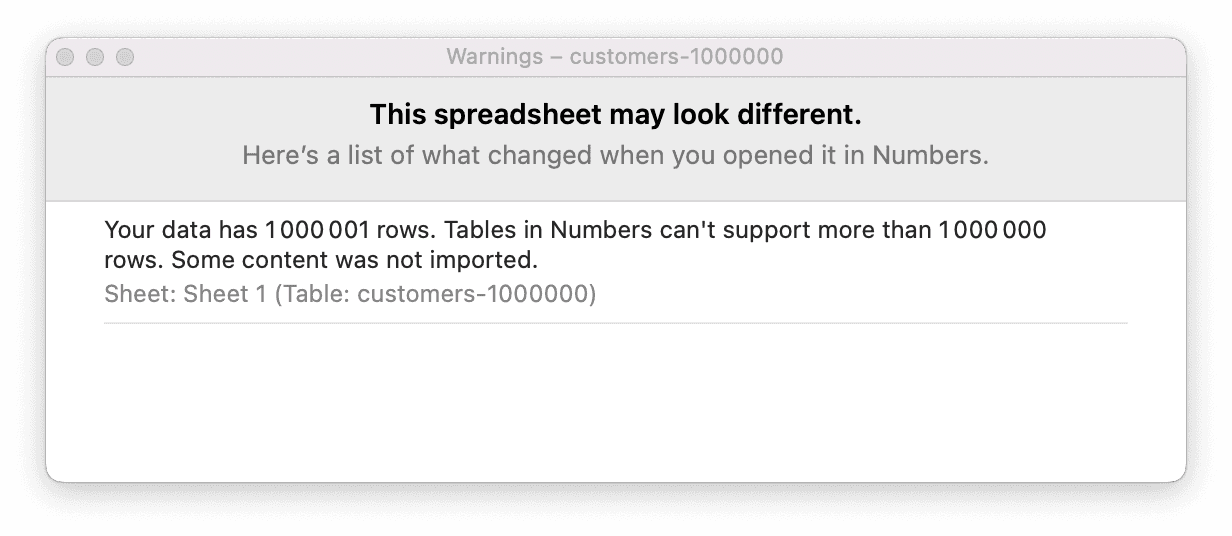
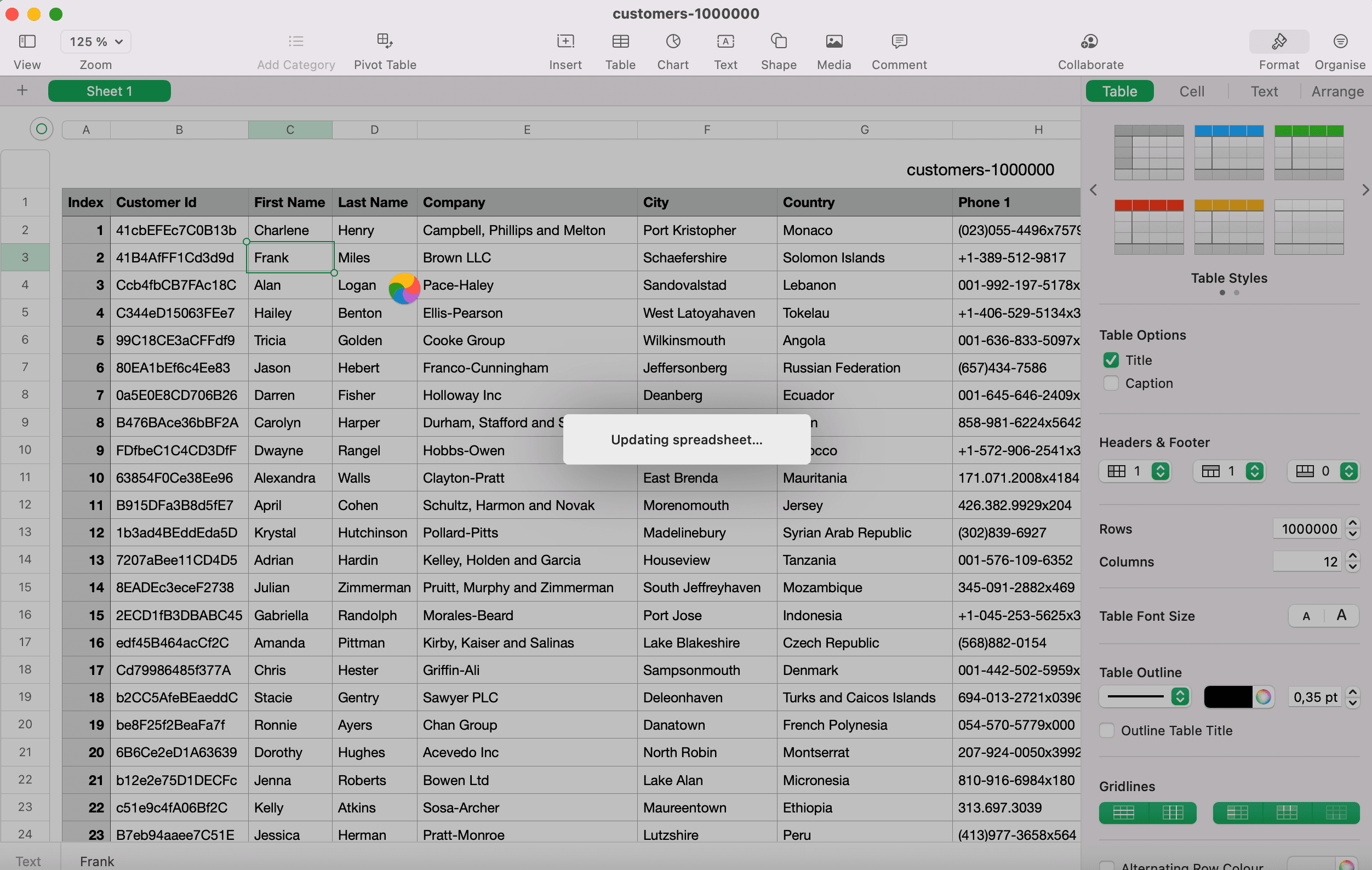
This is a hard limit defined in the software. The operational limit is way lower. When editing a 1,000,000 rows spreadsheet with a Macbook Pro M1 16Go, the application freezes for several seconds every time I want to edit a cell.
How to work with a file over the Numbers row limit
If you must use Numbers, split the CSV into files with fewer than one million data rows each. Keep the header row in every file, import them into separate tables, and check the row count after each import. For a CSV with one record per physical line, the macOS Terminal split-and-header workflow shows the commands; use a CSV-aware splitter when quoted fields contain line breaks. This preserves the records, but you will need to work across multiple tables.
If you need to filter or clean the complete dataset in one place, use a tool built for larger lists instead. See our guide to editing big CSV files online before choosing how to process the file. The practical editing limit can be lower than the documented row limit and depends on the file and device. If several applications must share and update the same records, also review the difference between a spreadsheet and a database; that decision involves record structure and access as well as row capacity.